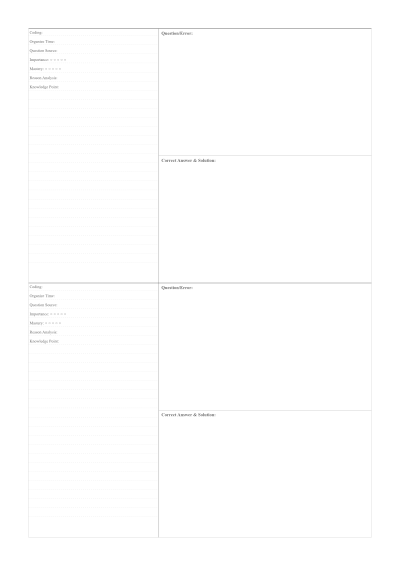
01 Personalizing your Student Error Correction and Review Paper
Language teachers and writing instructors use error correction sheets to guide students through the reflection process: identify the error, write the correction, and note the rule that applies. The structured columns prevent the common student habit of simply copying corrections without understanding them.
02 Perfect for any project
This Student Error Correction and Review Paper is designed to be versatile. While many people use it for analyze and learn from mistakes with this structured correction layout, you can also export it in various sizes to fit your specific workflow:
A4 & A5 Dimensions
Standard international sizes for Student Error Correction and Review Paper.
Letter & Legal
Standard North American formats for your Student Error Correction and Review Paper.
Custom Width/Height
Define exactly how large you want your page to be.
Vector PDF Export
Crystal clear printing at any scale.
03 Why this Student Error Correction and Review Paper is better
Most correction worksheets are subject-specific and pre-formatted with fixed columns. PaperMe generates blank correction paper with adjustable column widths and row spacing so teachers can create the exact layout that fits their correction code and feedback methodology.