Why Dot Grid Instead of Lines or Squares?
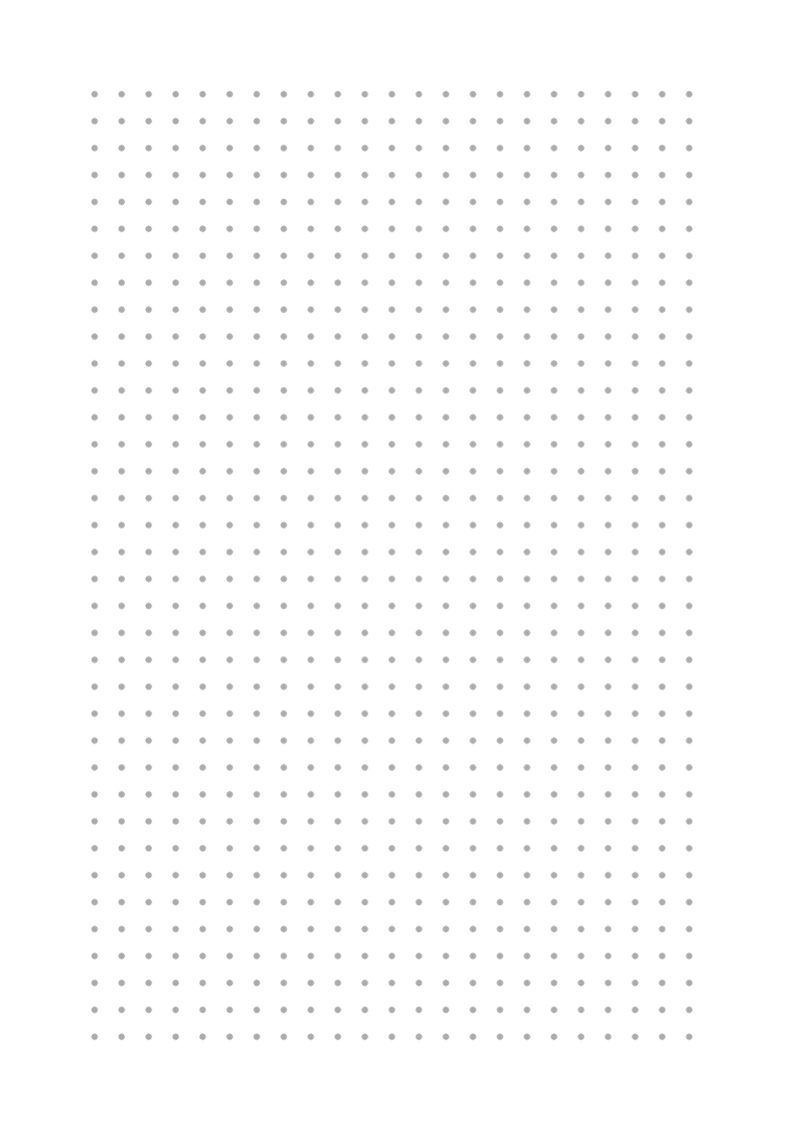
Dot grid paper sits between blank paper and ruled paper. The dots give you enough visual reference to write in straight lines and draw consistent shapes, but they disappear into the background when you look at your finished work. There are no lines cutting across your page, no grid boxes competing with your writing. Just subtle guides that are there when you need them and invisible when you do not.
This is why dot grid became the default format for bullet journaling and hand lettering. It is flexible enough for both text and drawings on the same page.

Print at 100% scale (Actual Size) so each dot is exactly 5mm apart. Never use Fit to Page.
Blue Dots: Classic Notebook Feel
Light blue dots are the most popular choice for bullet journaling. They are visible enough to guide your pen without drawing attention away from your writing. Blue reads as a neutral guide color the same way blue lines do in college-ruled notebooks. This variant uses the same blue tone as classic Leuchtturm1917 and Rhodia dot grid notebooks.

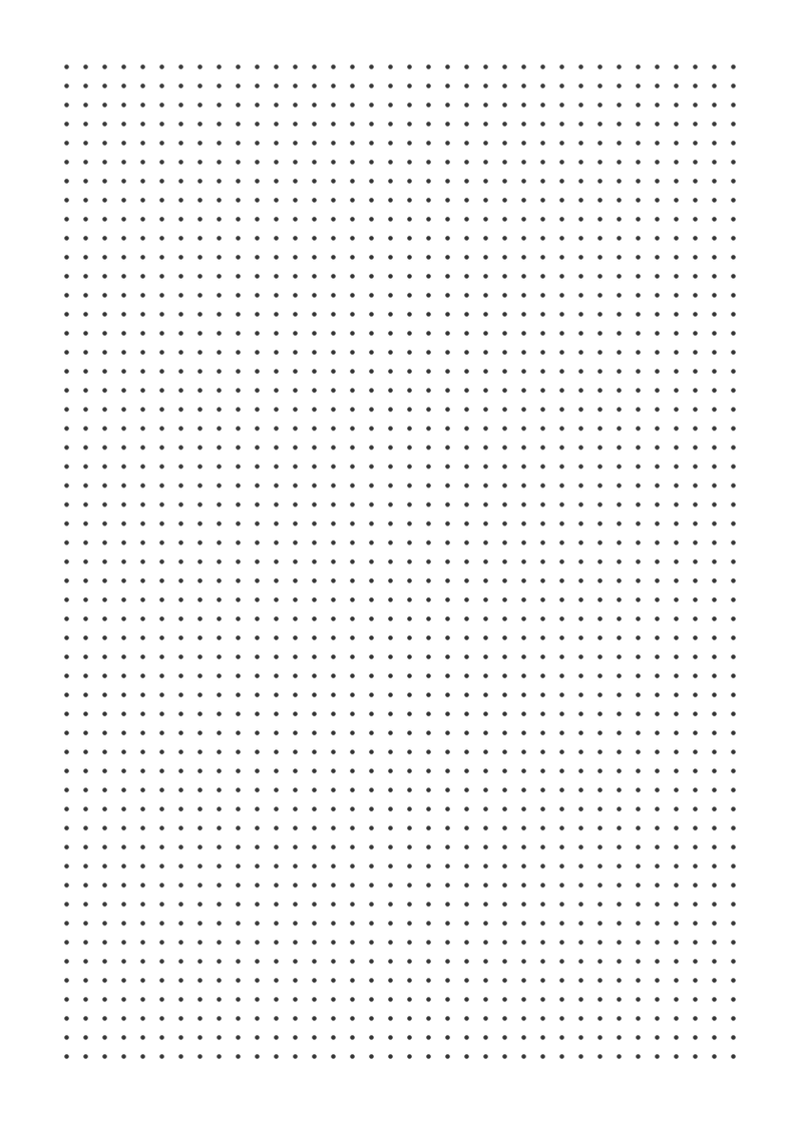
Black Dots: High Contrast for Scanning
Black dot grid is ideal when you want maximum contrast for scanning or photocopying your journal pages. The darker dots also work well when printing on off-white or cream paper stock, where light gray dots might not show up clearly. Use a light touch with your pen so your writing still stands out against the dots.
Pink Dot Grid: Soft and Elegant
Pink dots on a warm white background are a favourite in the planner and journaling community. The soft rose color pairs beautifully with colored pens and brush markers. The warm background feels more personal and less clinical than pure white, making it a popular choice for personal diaries, mood trackers, and habit logs.

Green Dots: Easy on the Eyes
Green is traditionally used in data-entry and accounting forms because it causes less eye strain during long sessions. Green dot grid has the same benefit for journaling: writing for 30 minutes on green-dotted paper is noticeably more comfortable than on high-contrast black or blue. A good choice for daily journals and work logs.

Dark Mode: White Dots on Dark Background
Dark mode dot grid uses light dots on a deep navy background. This format is increasingly popular for creative journaling and sketchnoting, where the dark background makes colored pens, white gel pens, and metallic markers stand out dramatically. Print on standard white paper and the background ink will cover it correctly.
Note: dark backgrounds use a lot of printer ink. For regular daily use, prefer the light variants. Reserve the dark template for special pages, covers, or sections you want to highlight.

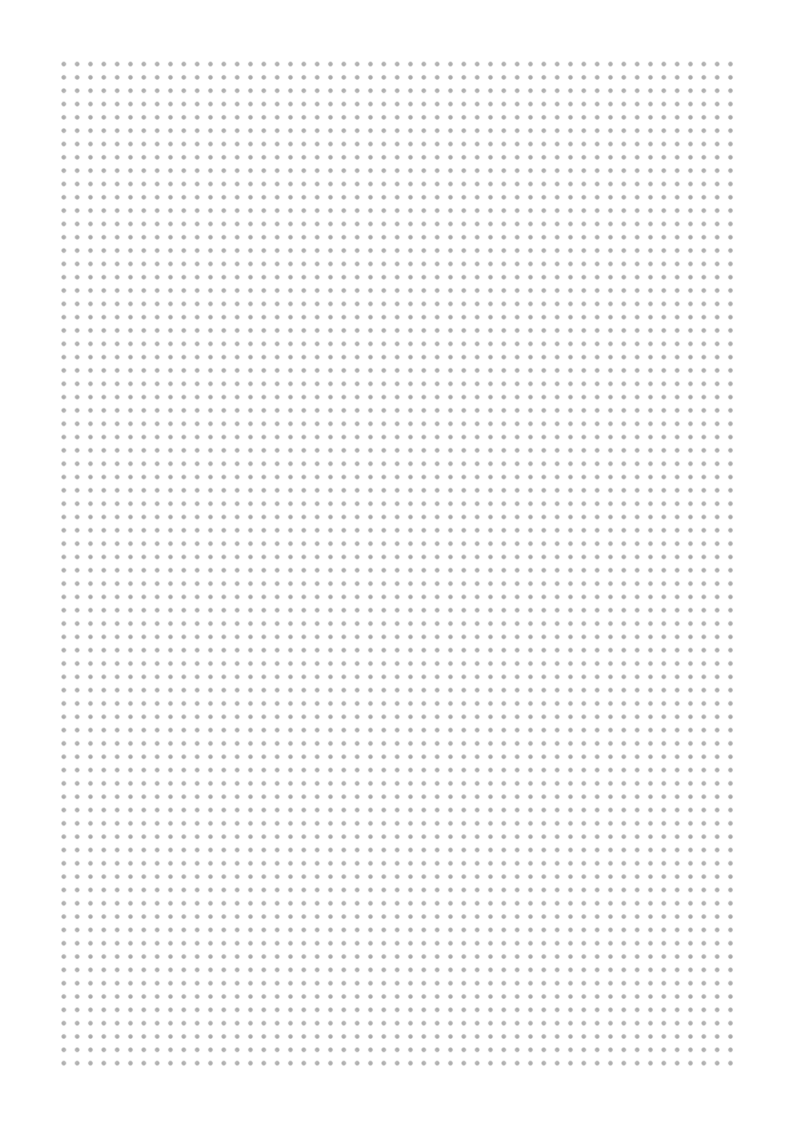
Narrow Spacing (3.5mm): More Dots Per Page
At 3.5mm dot spacing, this template has nearly twice the dot density of the standard 5mm grid. Narrow dot grid is popular with artists and architects who want very fine guide structures for detailed sketches, small lettering, or dense note-taking. It requires a fine-tip pen (0.3mm or smaller) to stay within the dot guides.
Wide Spacing (7mm): Open and Airy Layout
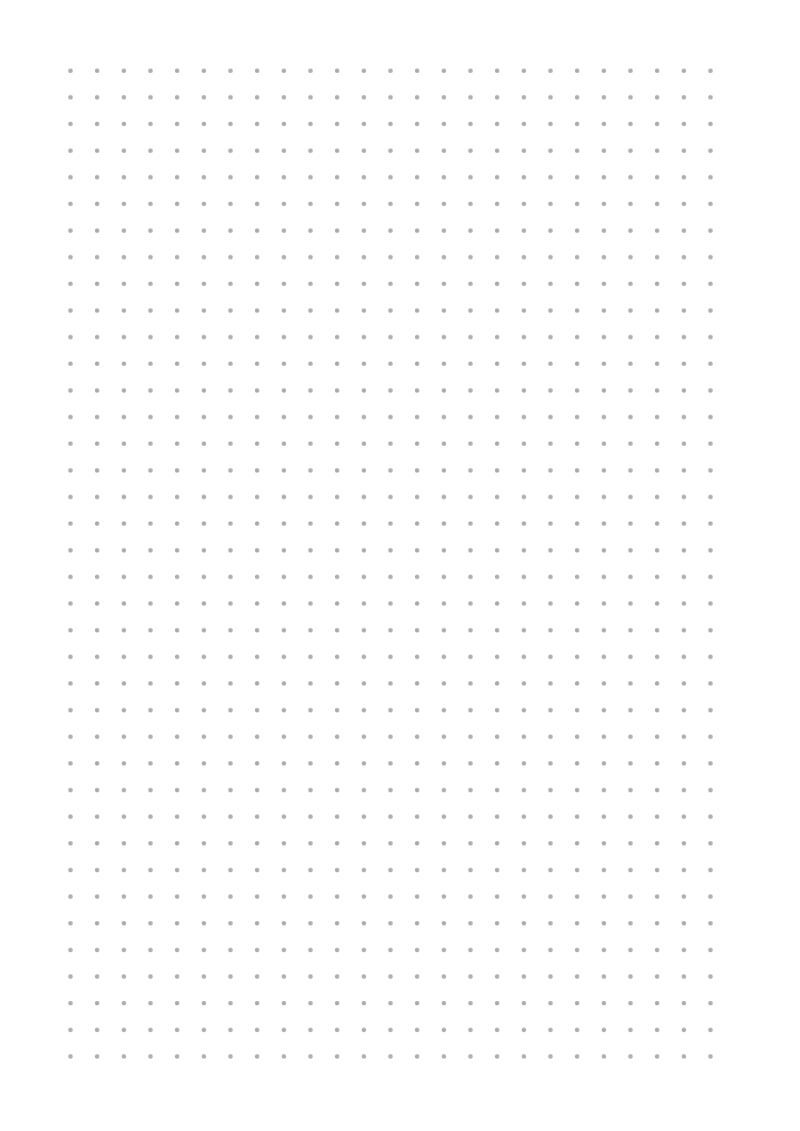
The 7mm dot grid gives a very open, spacious feel. It is ideal for large handwriting, quick brainstorming sessions, or when you want your journal to feel less structured and more free-form. The dots are just visible enough to keep text straight without dominating the page.
Letter Size: For US Printers
Letter-size dot grid (8.5 x 11 inches) is the correct format for printers in the United States and Canada. Using an A4 template on a Letter printer will cause scaling issues that shift your dot spacing away from exactly 5mm. This template is built to Letter dimensions and prints at 100% scale without any adjustment.
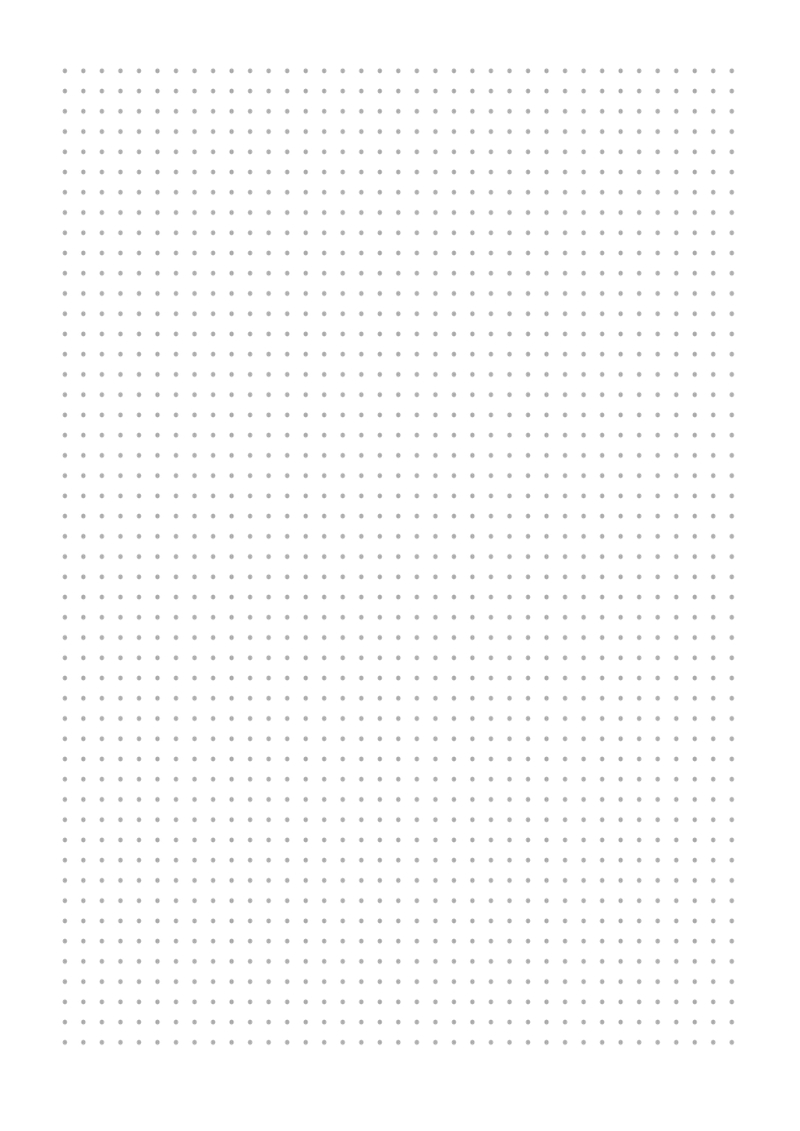
US users: select Letter in the printer dialog and set scale to 100%. Do not use A4 templates on Letter printers.
A5 Size: Pocket Journal Format
A5 (148 x 210mm) is the most popular format for compact bullet journals, traveler notebooks, and pocket planners. Print two A5 sheets per A4 page using your printer booklet setting, or print directly on A5 paper. This template is perfectly proportioned for A5 with the same 5mm dot spacing as the full A4 version.
Want to customize dot color, spacing, paper size, or margins? Open PaperMe Studio and adjust everything in real time before downloading your PDF.
Try it in PaperMe Studio
Customize your template and download for free - no account needed.